
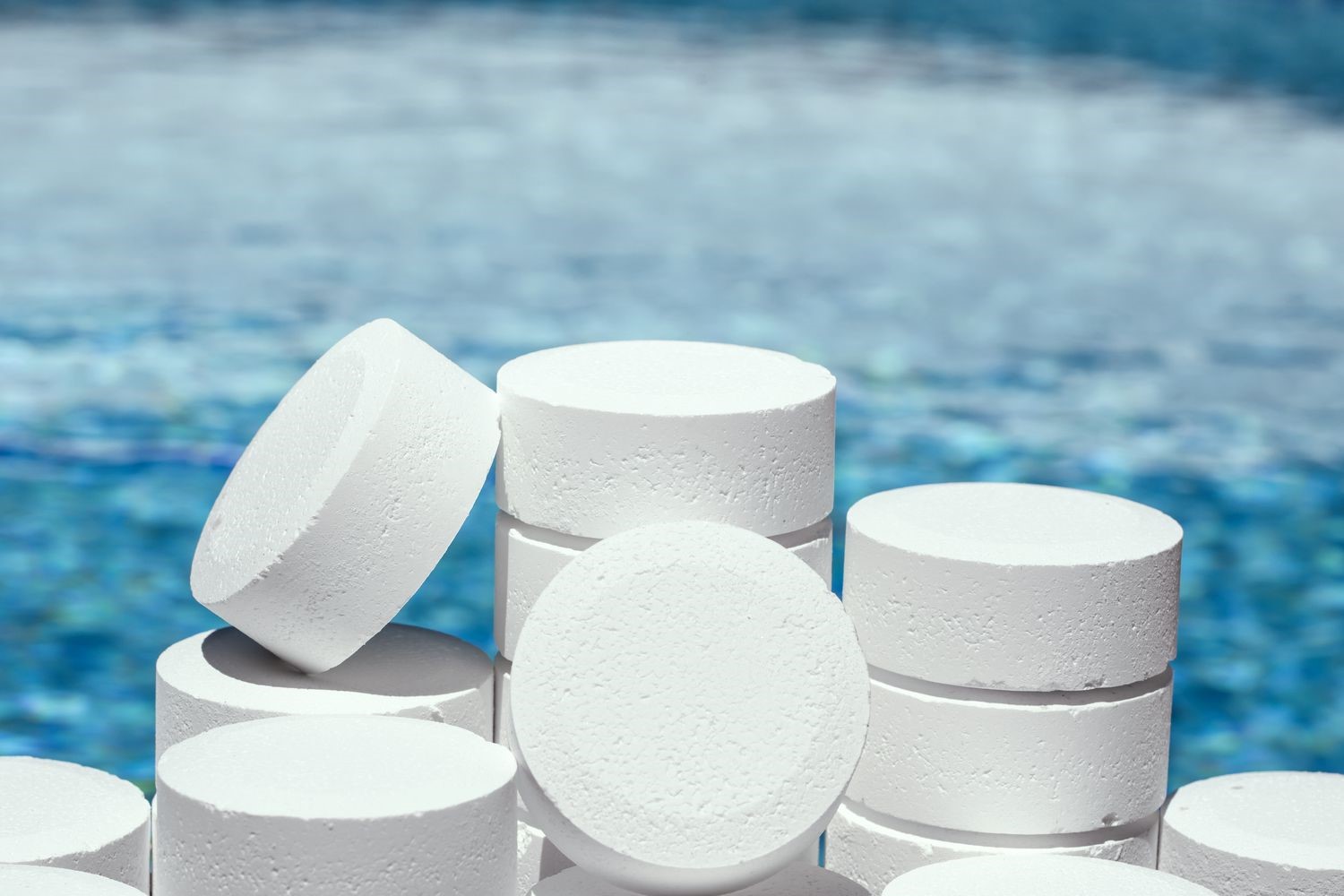
Why Algae Returns After Dichlor Treatment
If algae keeps reappearing in your pool after you have applied dichlor (sodium dichloroisocyanurate, SDIC), the most likely cause is not the sanitizer itself but inadequate water movement and mechanical removal. Dichlor delivers available chlorine effectively, but it cannot compensate for dead zones in circulation or a filtration system that fails to capture and remove algal spores and organic debris. Addressing flow patterns and filter performance is the critical next step before increasing chemical dose.
This does not mean dichlor is failing. It means the supporting systems that allow any sanitizer to do its job are underperforming. The following sections explain what to inspect, why each factor matters, and how poor circulation or filtration directly undermines algaecidal action.
How Dichlor Works and Where Its Limits Begin
Dichlor is a stabilized chlorine source that dissolves to release hypochlorous acid (HOCl), the active disinfecting and oxidizing species in pool water. Because it contains cyanuric acid (CYA) as a built-in stabilizer, it resists rapid UV degradation, making it suitable for outdoor pools. When dosed correctly, it maintains a free chlorine residual that inactivates algae cells on contact.
However, dichlor only contacts what the water carries to it. If water is not moving through every pool surface, algal cells in stagnant pockets receive little or no sanitizer. Likewise, if the filter does not trap particles, organic matter accumulates, consumes chlorine demand, and provides nutrients for algae regrowth. The sanitizer is doing its chemistry; the hydraulic and mechanical systems are not delivering it where needed.
Check Circulation: Finding and Eliminating Dead Zones
What is a dead zone?
A dead zone is any area of the pool where water velocity drops too low for effective mixing. Typical locations include behind ladders, under steps, in deep-end corners, beneath skimmer baskets that are partially blocked, and behind pool cleaning equipment. In these spots, chlorine residual can fall to near zero even when the main body of water tests within range.
How to identify poor circulation
- Visual dye or float test: Introduce a small amount of pool-safe dye near return jets and observe whether it reaches all surfaces within a reasonable time. Floating debris that collects in corners is another indicator.
- Return jet direction and coverage: Verify that all return fittings are angled to push water across the full pool volume, not just along the surface or toward the nearest wall.
- Pump runtime: Confirm the pump operates long enough each day to turn over the entire pool volume at least once—preferably 1.5 to 2 turnovers for algae-prone conditions.
- Flow rate measurement: Compare actual flow (measured with a flow meter on the filter or at a return) against the pump’s rated capacity. A significant drop suggests blockage, an undersized pipe, or a closed valve.
What to adjust
Reposition return fittings to eliminate stagnant pockets. Add supplementary circulation devices such as directional eyeballs or a booster pump if the main pump cannot generate sufficient flow in remote areas. Clean or replace any strainer baskets that restrict intake. Ensure the pump is not oversized for the filter, which can cause cavitation and reduced effective flow.
Check Filtration: Why Mechanical Removal Matters as Much as Chemistry
The role of the filter in algae control
Filtration removes suspended particles, including algal fragments and the organic material that feeds new growth. Even when dichlor kills algae, the dead cells and associated debris must be physically captured and removed. If the filter passes these particles back into the pool, chlorine demand spikes and the water clouds, creating conditions for algae to rebound.
Common filtration problems that allow algae to recur
- Insufficient filter run time: Running the filter only during brief cycles or only when the pump is on for skimming does not provide enough contact time for fine particle capture.
- Dirty or degraded filter media: Sand channels, worn cartridge pleats, or torn DE grids reduce capture efficiency. Backwashing or cleaning frequency must match the load.
- Wrong filter type or size: A filter rated below the pump’s flow rate will either bypass unfiltered water or operate at excessive pressure, reducing effectiveness.
- Poor filter maintenance: Accumulated biofilm inside the filter tank or on the media can actually shelter algal spores rather than removing them.
How to verify filter performance
Check the pressure gauge before and after cleaning. A clean filter should read at the manufacturer’s specified starting pressure. If pressure rises rapidly after cleaning, the media may need replacement. For cartridge filters, inspect pleats for tearing or hardening. For sand filters, confirm the sand is not channeled or older than the recommended service life. Run the filter continuously for 24 to 48 hours after a significant algae treatment to ensure all debris is captured.
How Circulation and Filtration Interact with Dichlor Dosing
When circulation and filtration are working properly, the chlorine from dichlor reaches every surface and the filter removes what the chlorine kills. When either system is compromised, operators often respond by adding more dichlor. This approach raises the cyanuric acid level over time, which excessively stabilizes the chlorine and reduces the proportion of active hypochlorous acid at any given free chlorine reading. The result is a pool that tests with adequate ppm but still cannot prevent algae.
Before increasing dichlor dose, confirm that:
- Water is circulating through all zones at adequate velocity.
- The filter is clean, properly sized, and running long enough to handle the particle load.
- Cyanuric acid has not accumulated beyond the level appropriate for the pool’s usage and sunlight exposure.
If these conditions are met and algae still recurs, then a review of actual dosing calculations, test accuracy, and potential sources of contamination (such as fill water or swimmer load) becomes necessary. But in the majority of recurring cases, the root cause is hydraulic or mechanical, not chemical.
Practical Steps to Break the Algae Cycle
A systematic approach will prevent the pattern of treating with dichlor, seeing temporary clearing, and then watching algae return:
- Shock the pool with an appropriate dose of dichlor or a non-stabilized chlorine product to raise free chlorine well above the normal operating range—confirm the required dose for your pool volume before proceeding.
- Run the pump and filter continuously for at least 24 hours, aiming for 2 full turnovers.
- Brush all pool surfaces vigorously during and after the treatment to dislodge biofilm that protects algae from contact with sanitizer.
- Backwash or clean the filter when pressure rises 8–10 psi above clean-start levels, then resume continuous filtration.
- Retest chlorine residual and pH after the treatment cycle; adjust as needed, keeping pH in the 7.2–7.6 range where hypochlorous acid predominates.
- Once the water clears, do not return to short filter cycles. Maintain extended runtime until the pool consistently tests clean with no visible return of algae.
Safety note: Never mix dichlor with acid, ammonia, or other pool chemicals in undiluted form. Always pre-dissolve granules in a bucket of pool water before adding to the skimmer or circulation system. Handle with gloves and eye protection, and store in a cool, dry place away from incompatible materials.
When to Seek Further Technical Guidance
If you have verified circulation and filtration and still experience recurring algae after dichlor treatment, the issue may involve water balance parameters, source water quality, or dosing accuracy that requires specific analysis. ENVO CHEMICAL can provide detailed technical support for SDIC product application in pool sanitation when you share your pool volume, current test results, and filtration setup.
