
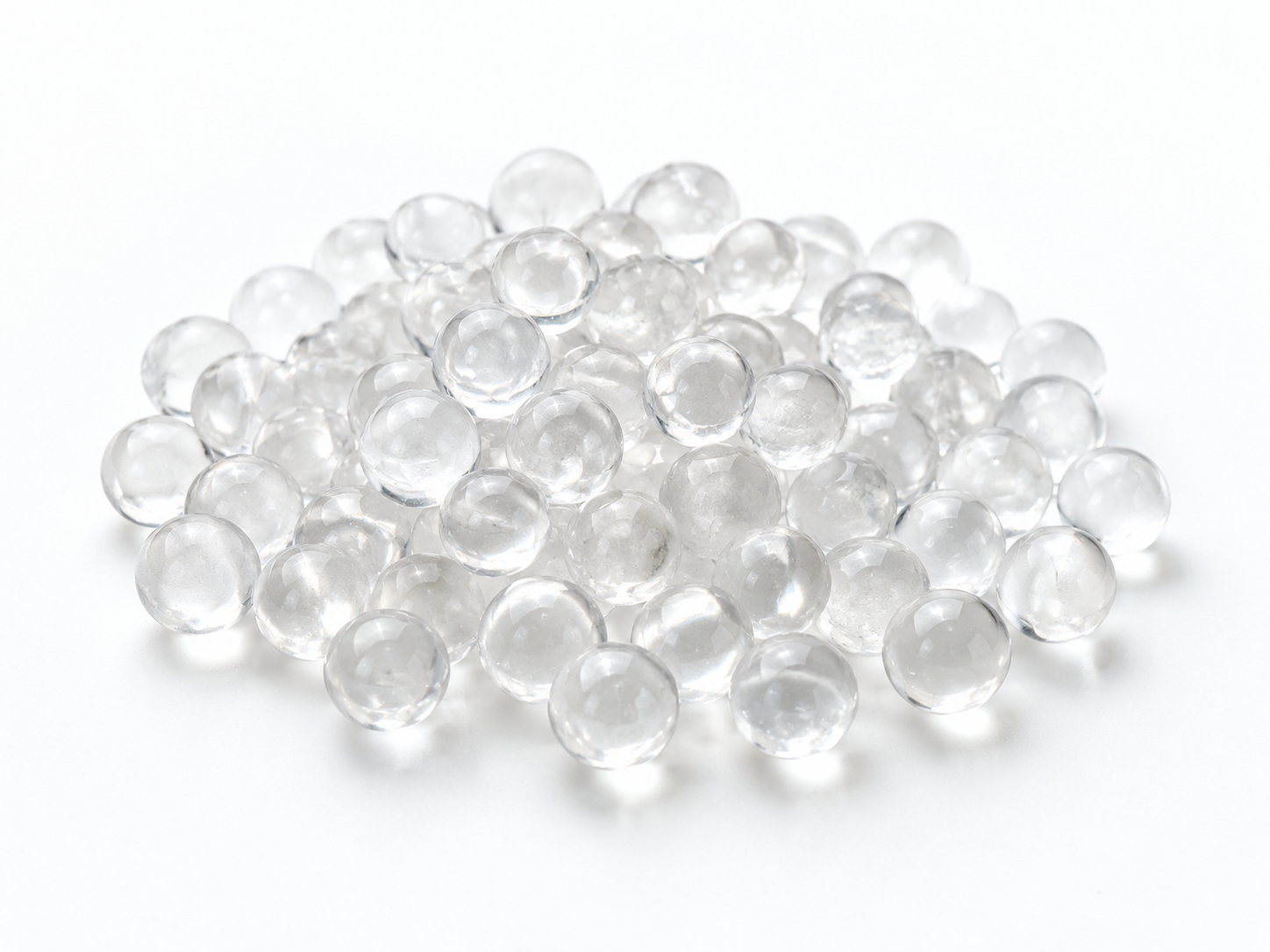
A polyphosphate filter restart after plumbing repairs should begin with a thorough flush of the repaired line, a check of valve and bypass positions, and an inspection of the media bed before any water is allowed to flow through the filter. The goal is to keep air, debris, flux residue, and disinfectant chemicals out of the polyphosphate crystal or Siliphos-type media, because those materials can degrade the media, cause channeling, or create a false sense that the filter is still working when it is not.
The exact checks depend on where the repair was made. If the work was downstream of the filter, the media itself may be untouched, but the restart still needs attention to air pockets and contamination introduced after the filter. If the repair was upstream, the filter is directly exposed to whatever the repair introduced into the pipe. Both situations require a deliberate restart procedure rather than simply opening a valve and walking away.
Why Plumbing Repairs Change the Restart Conditions
A polyphosphate filter is not a water softener, a sediment filter, or a disinfectant. It works by slowly releasing polyphosphate compounds into the water to inhibit scale formation and, in some cases, to help control corrosion. That release depends on water contacting the media at a controlled rate. When plumbing repairs disturb the system, several things can interfere with that process:
- Air pockets. Air trapped in the line can surge through the filter, disturb the media bed, and create uneven flow paths.
- Debris. Pipe cuttings, solder particles, tape, and dirt can enter the filter housing and coat or block the media surface.
- Chemical residue. Soldering flux, pipe sealants, and disinfectants used during repairs may be aggressive to polyphosphate media or may alter water chemistry temporarily.
- Pressure and flow shocks. Opening and closing valves quickly can send pressure spikes through the housing and compact or fluidize the media.
- Wrong valve position. A bypass left partly open can send untreated water around the filter, making it appear that the filter has failed when it is simply offline.
Because polyphosphate media are not all identical, the safe restart conditions for one product may not match another. The media supplier’s documented limits for temperature, pH, chlorine or oxidant exposure, flow rate, and service life should always be the reference point.
Pre-Restart Checks: A Practical Checklist
1. Confirm the Repair Location and Isolation
Identify whether the repair was upstream or downstream of the polyphosphate filter. If the filter was isolated during the work, confirm that the isolation valves held and that no repair debris entered the housing. If the filter was not isolated, assume that some debris or air may have reached it and plan to inspect the media.
2. Flush the Repaired Line Before the Filter
Before returning the filter to service, flush the repaired section to drain. This removes air, loose particles, and most water-soluble flux residue. Flushing should continue until the water runs clear and no air sputtering is visible. If the plumbing was disinfected with chlorine or another oxidant, check the media manufacturer’s compatibility guidance before allowing that water to contact the polyphosphate media. Some media tolerate short-term oxidant exposure; others do not. If compatibility is unknown, bypass the filter during disinfection and flush the line again before restart.
3. Inspect the Filter Housing and Media
For cartridge-style polyphosphate filters, remove and inspect the cartridge. Look for signs of bypass around the cartridge, damaged O-rings, or a swollen or softened media core. For bulk-media housings, check the media bed for compaction, channeling, or unusual color changes. If the bed has been disturbed, it may need to be gently repacked or replaced according to the manufacturer’s instructions. Do not assume that a media bed that looks full is still active; polyphosphate crystals dissolve over time, and a bed can lose effectiveness before it visibly shrinks.
4. Check Chemical Compatibility
Repairs often involve chemicals that are not part of normal operation. Flux, primer, thread sealant, and disinfection chemicals can all affect polyphosphate media. Check the safety data sheets and the media supplier’s compatibility information. If the repair introduced a chemical that is not compatible, replace the media rather than risking premature depletion or release of undesirable compounds into the water.
5. Verify Flow and Pressure Conditions
Confirm that the restart flow rate and pressure are within the filter’s design range. A flow rate that is too high can fluidize or channel the media; a flow rate that is too low may not allow proper contact. Pressure spikes during restart can also damage housings or disturb the bed. If the system has a pressure-reducing valve or a flow controller, verify that it is working before opening the filter to full service.
Step-by-Step Restart Procedure
- Keep the filter isolated and flush the repaired plumbing to drain until water is clear and air-free.
- If disinfection was used, confirm media compatibility or keep the filter bypassed until the disinfectant has been flushed from the line.
- Inspect and, if necessary, replace the polyphosphate cartridge or bulk media.
- Reassemble the housing with clean, undamaged O-rings and seals. Follow the manufacturer’s torque or tightening guidance.
- Open the inlet valve slowly to fill the housing and allow trapped air to escape through a vent or downstream fixture.
- Check for leaks at the housing, connections, and valves.
- Open the outlet valve and bring the system to normal operating flow gradually.
- Confirm that the bypass valve is fully closed in the service position.
- Record the initial pressure drop, flow rate, and any visual observations for later comparison.
What to Monitor After Restart
The first few hours and days after a polyphosphate filter restart are the best time to catch problems. Monitor the following:
- Pressure drop. A sudden increase may indicate debris blocking the media or a collapsed cartridge. A sudden decrease may indicate channeling or bypass.
- Turbidity or discoloration. A brief release of fines is possible after handling media, but persistent cloudiness suggests the wrong media grade or a damaged housing.
- Media carryover. Polyphosphate crystals should stay in the housing. If crystals appear downstream, stop the system and inspect the support screen or cartridge seal.
- Taste or odor changes. Some polyphosphate media can affect taste if overdosed. If the water taste changes noticeably, verify the flow rate and media quantity.
- Scale or corrosion indicators. After a few weeks, check the downstream hot water heater, kettle, or heat exchanger for new scale. If scale returns quickly, the media may be depleted or bypassing.
Common Restart Mistakes
| Mistake | Why It Matters | Better Practice |
|---|---|---|
| Restarting without flushing the repaired line | Debris and flux can coat or exhaust the media. | Flush to drain until clear and air-free before opening the filter. |
| Leaving the bypass partly open | Untreated water dilutes the polyphosphate dose and hides filter problems. | Confirm the bypass is fully closed in service and fully open in bypass. |
| Using chlorinated water to disinfect through the filter | Some polyphosphate media are sensitive to oxidants and may degrade. | Bypass the filter during disinfection; check media compatibility before restart. |
| Assuming all polyphosphate crystals are the same | Different media have different dissolution rates, pH ranges, and oxidant tolerance. | Use the specification and replacement guidance for the exact media product. |
| Ignoring a disturbed media bed | Channeling allows water to pass without proper contact, reducing scale inhibition. | Repack or replace the media if the bed is uneven, compacted, or channeled. |
When to Replace Polyphosphate Media Instead of Reusing It
Replacing media is often safer than reusing it after a significant plumbing repair. Consider replacement when:
- The media was exposed to an incompatible disinfectant, flux, or chemical.
- The media bed was mechanically disturbed, compacted, or channeled.
- The housing was left open or dry for an extended period.
- The media is near or beyond its documented service life.
- The pressure drop or scale-control performance is outside the expected range.
- The media has visibly dissolved, softened, or broken down into fines.
If none of these apply, the existing media may be returned to service after inspection and flushing. The decision should be based on the media supplier’s instructions and the specific conditions of the repair.
FAQs
Can I restart a polyphosphate filter immediately after soldering a pipe?
No. Solder and flux residues can contaminate the media. Flush the repaired line thoroughly before the filter is put back online. If the filter was not isolated, inspect the media before reuse.
Does a polyphosphate filter soften water?
No. It inhibits scale formation and may help control corrosion, but it does not remove calcium and magnesium hardness. If you need true softening, an ion exchange water softener is the appropriate technology.
How do I know if the polyphosphate media is still working?
Monitor downstream scale and corrosion indicators, pressure drop, and the media appearance. Because polyphosphate media dissolve slowly, a bed can lose effectiveness before it looks empty. Follow the manufacturer’s replacement schedule or performance criteria.
Can I use any polyphosphate crystal in my existing housing?
Not necessarily. Polyphosphate crystals and Siliphos-type media vary in composition, dissolution rate, and compatibility with different water conditions. Use a replacement that matches the housing and the original performance requirements, or confirm suitability with the media supplier.
Need Help With a Polyphosphate Filter Restart?
If you are restarting a polyphosphate filter after plumbing repairs and need to confirm media compatibility, replacement specifications, or the right media grade for your water conditions, ENVO CHEMICAL can review the details with you. Please provide the application, source-water conditions, filter or housing type, required media specification, quantity, destination, and your technical objective so we can respond with relevant information.
